

Makeup
Shades sorted for your season
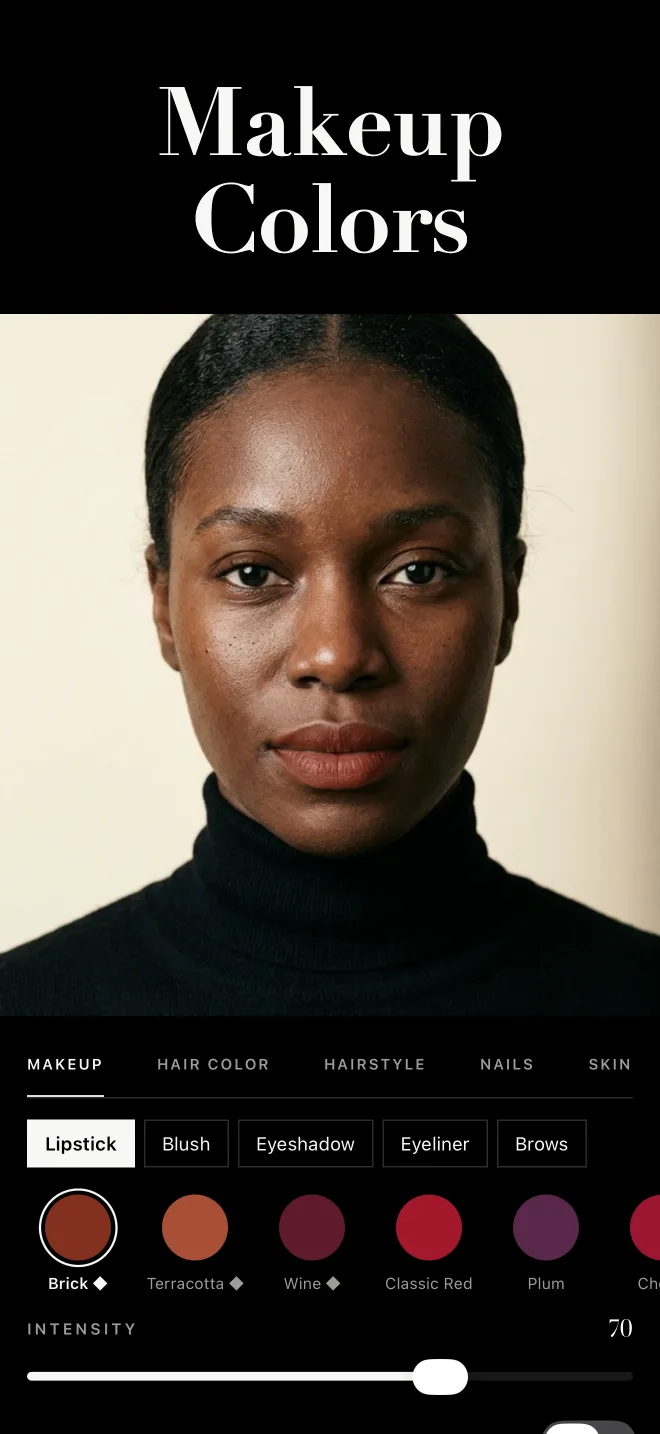
Eyeshadow, eyeliner, blush, lipstick and brows, with the shades that suit your season first. Try them on your own photo.
Take one photo and find your season, your palette and the colors that suit you. Then see them on yourself: fabrics under your face, makeup, hair color, hairstyles and jewelry.
iPhone · iPad · iOS 18 or later · English
App Store name: Color Analysis: Style Advisor
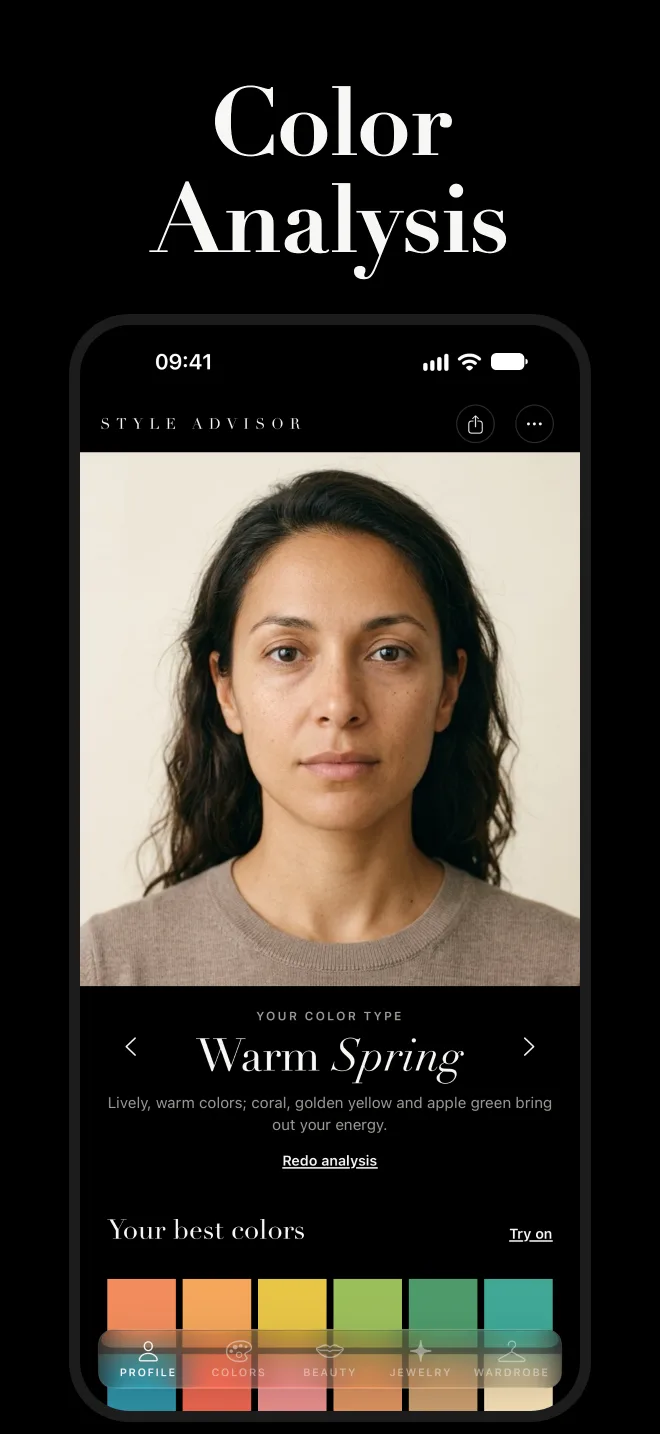
Your color profile
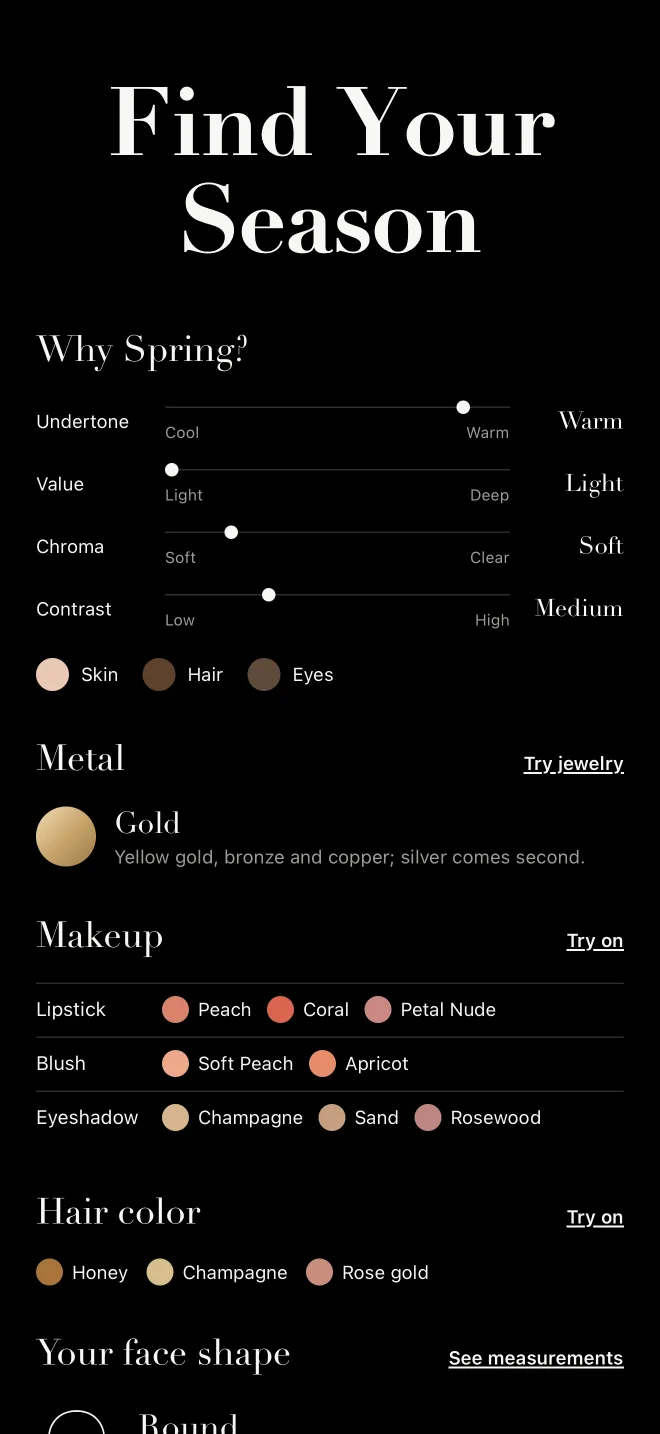
Your season and the reason behind it: four measures for warmth, lightness, contrast and saturation, plus your skin undertone.
Twelve colors that suit you and the colors to avoid. Browse the other seasons to compare.
Your best metal and gemstones, with makeup, hair and jewelry tips for your palette.
Your natural hair and eye color are detected for you, and you can correct them.
Suggestions are about color and style, not a medical diagnosis.
Colors on you
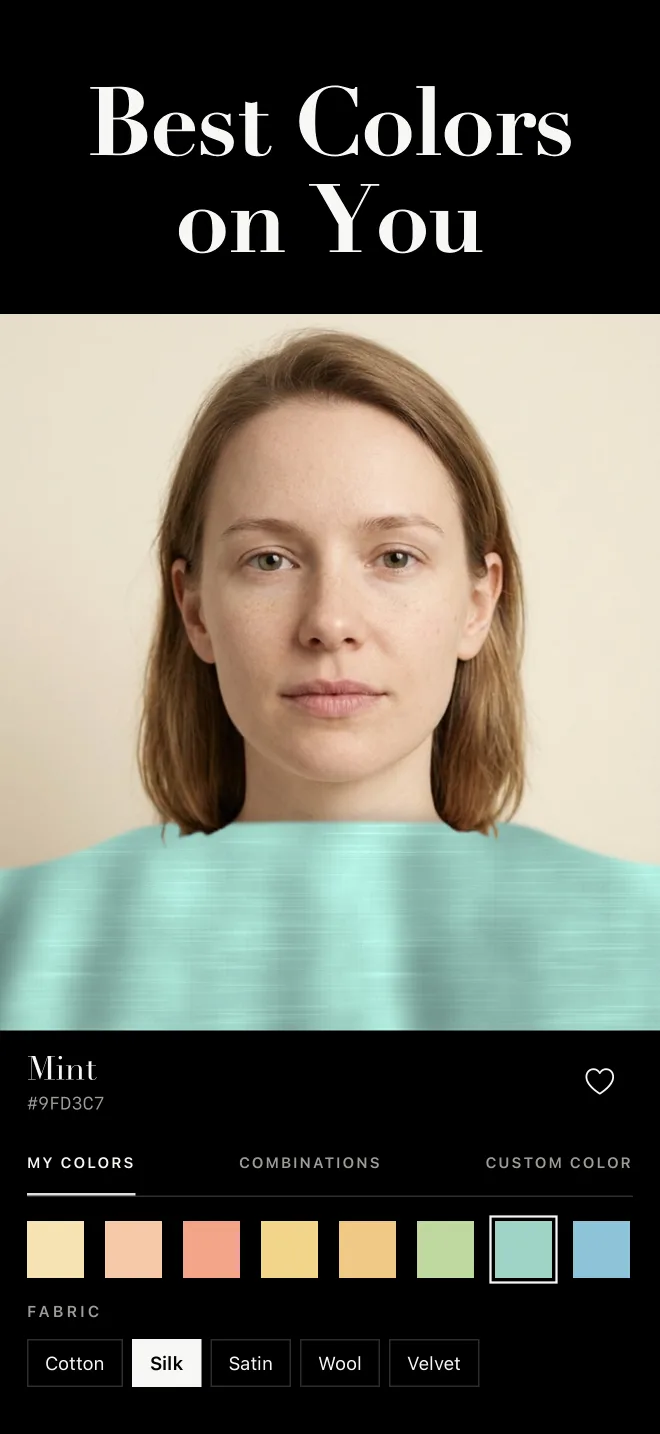
Tap a color and it appears as fabric under your face, with its name and hex code. Cotton, silk, satin, wool and velvet.
Two colors side by side, matched by color theory.
Add any color and see how well it suits you.
Makeup
Eyeshadow, eyeliner, blush, lipstick and brows, with the shades that suit your season first. Try them on your own photo.

Hair
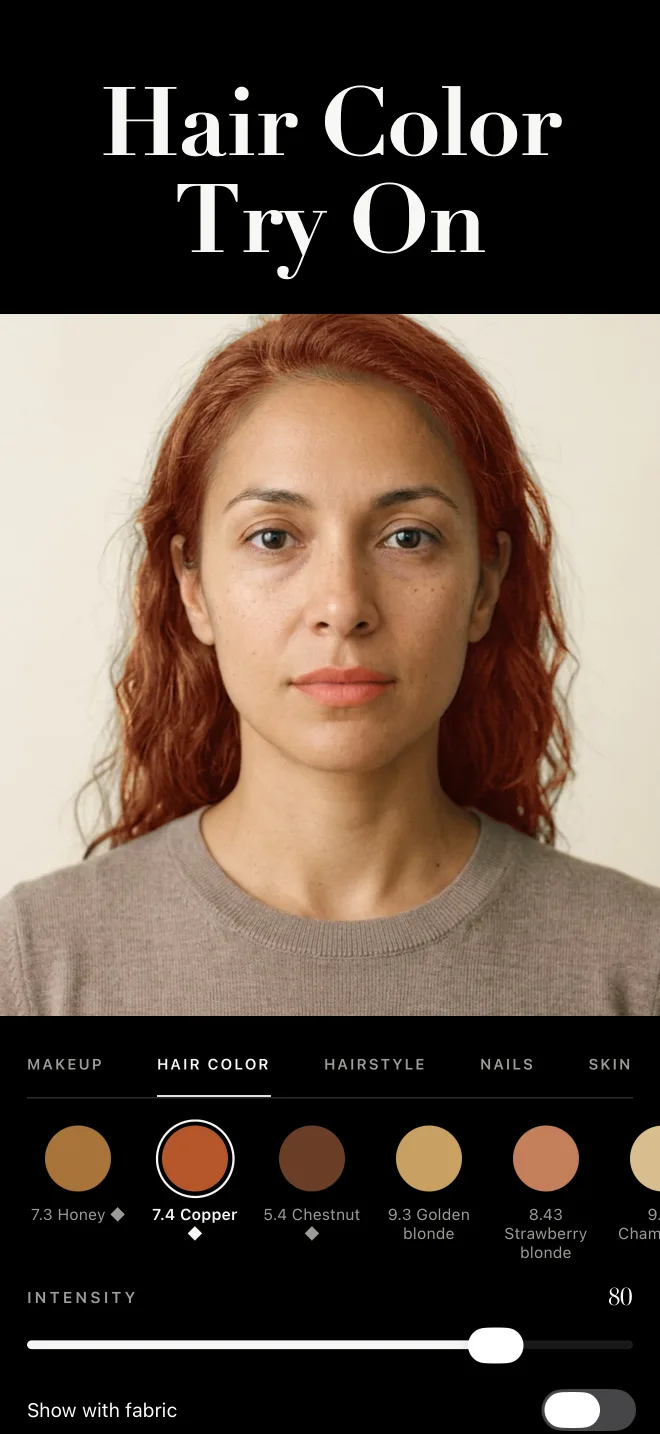
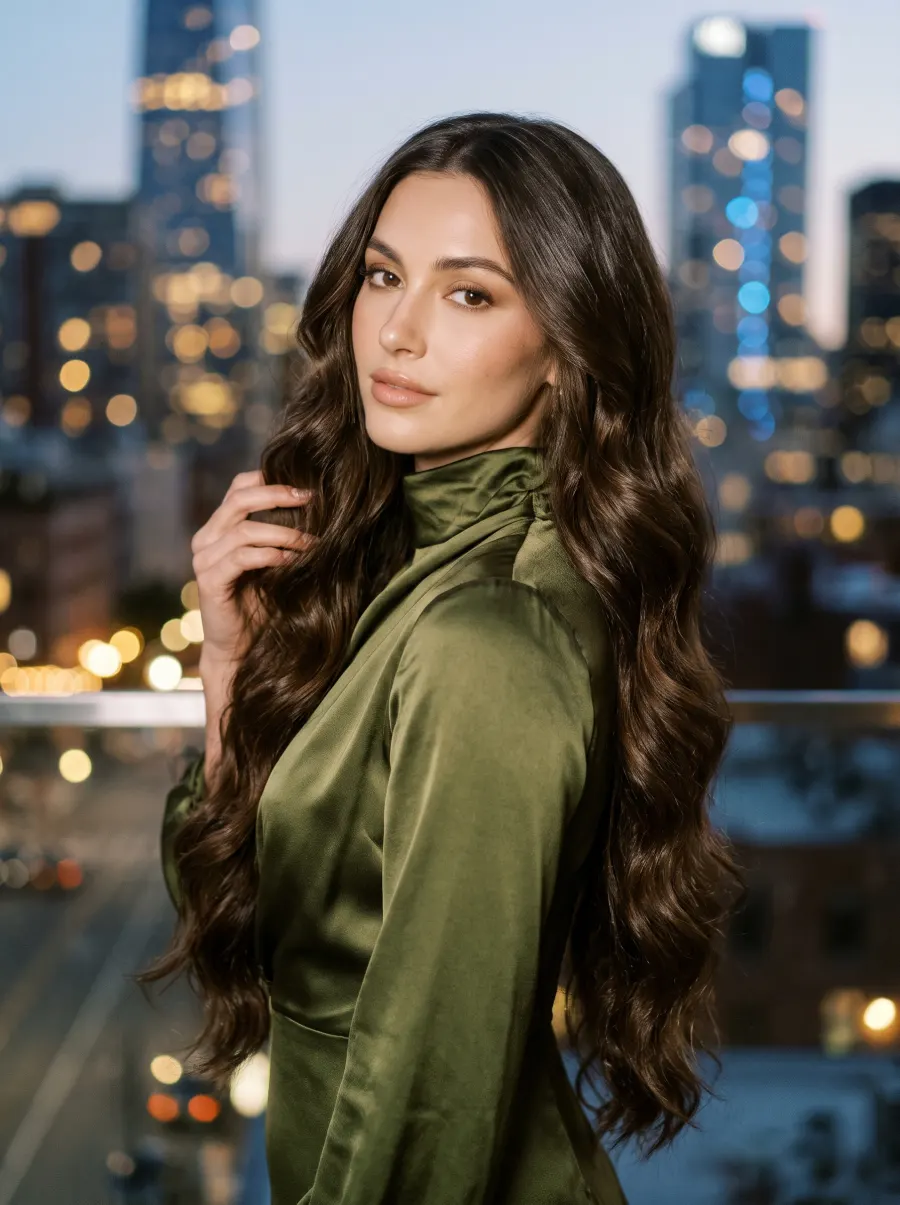
Hair color in natural, fashion and ombre shades, with roots and shine. Hairstyles designed by Piximore are matched to your face shape and tried on your own photo.
Sample portraits, not real people.
And more
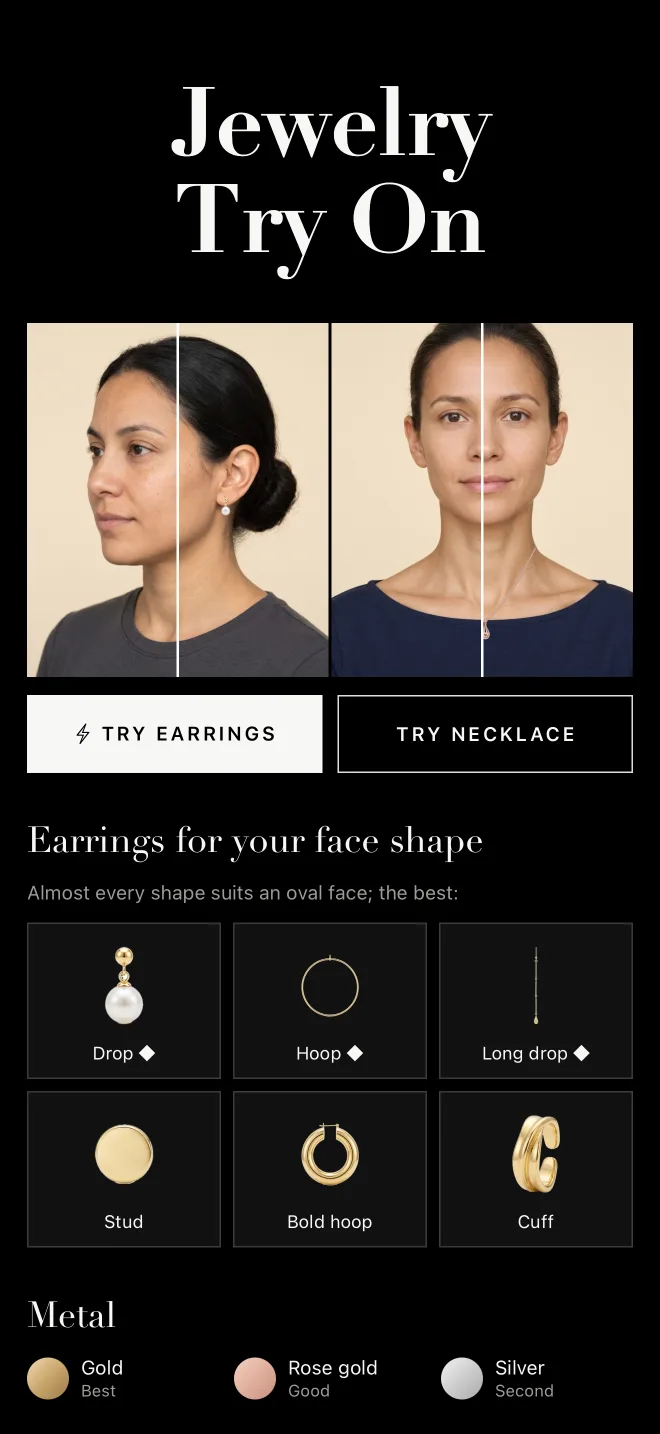
Try on earrings and necklaces in gold, silver and rose gold on your own photo. Your color profile shows the metal that suits you first, with earring shapes for your face shape.
Nail designs in collections such as cat-eye, chrome and tortoiseshell, matched to your palette.
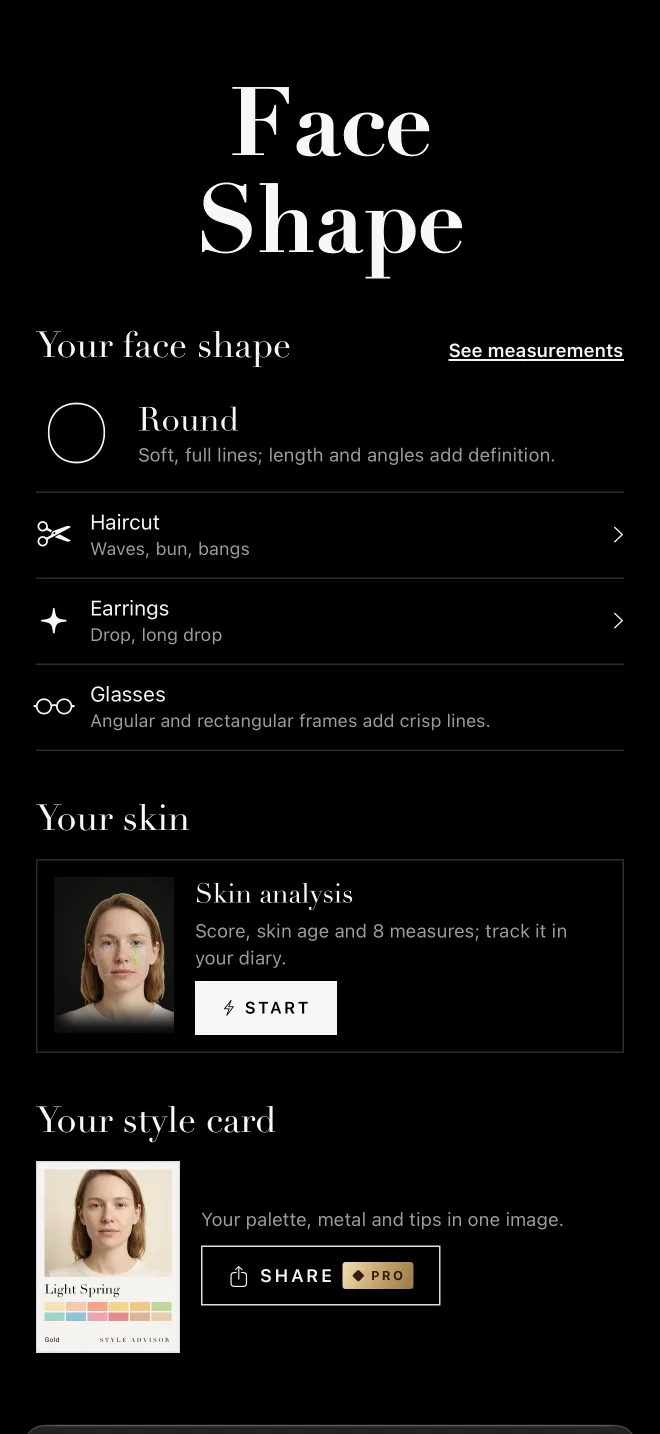
Oval, round, square, heart, long or diamond, with haircut, earring and frame suggestions. Skin analysis with a skin diary to compare two dates.
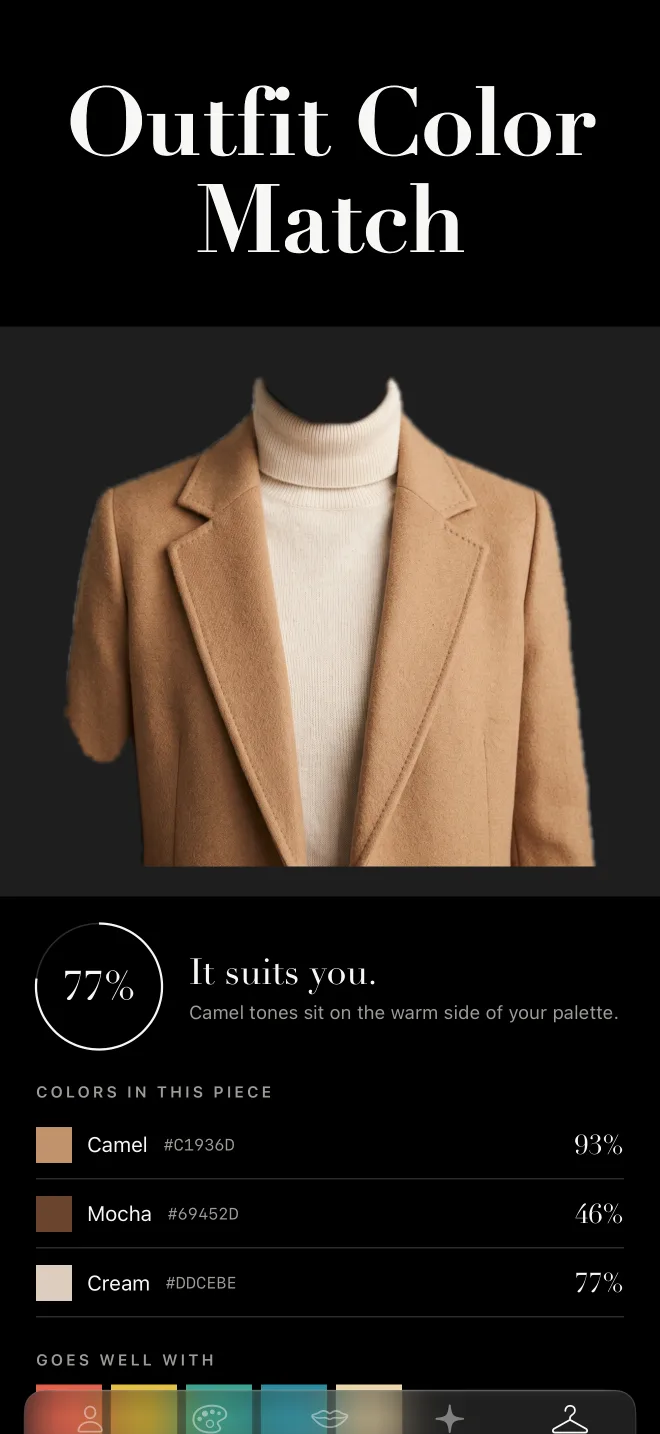
Add a photo of a garment or fabric and see how well it matches your palette. Each main color gets its own score, plus colors that go well with it.
Free to download. There is no free trial. Prices are shown in the App Store before you buy.
Subscription credits are valid for the current billing period and don’t roll over; they are used before pack credits.
A personal color and style advisor. From one photo it finds your season and the colors that suit you, then lets you see them on yourself as fabrics, makeup, hair color, hairstyles and jewelry.
Your season, the four measures, 12 best colors, colors to avoid, all tips, face shape and 3 wardrobe scans a day.
Every color and fabric, combinations, all makeup shades and hair colors, unlimited wardrobe scans, your saved closet and style card, and credits every week on the weekly plan or every month on the yearly plan.
No. Style Advisor Pro comes as a weekly or yearly plan, with the price, period and renewal terms shown in the App Store before you buy.
Hairstyle, jewelry and nail results and skin analysis use credits. You see the cost before you start, and failed results are refunded automatically. Subscription credits are valid for the current billing period and don’t roll over; credit pack credits never expire. Subscription credits are used first.
Color analysis, face shape, makeup, hair color and wardrobe scans run on your device, so these photos never leave your phone. A photo leaves your phone only when you agree and start a credit-based feature; it is used only to create your result and deleted from our servers right after processing. We never use your photos to train AI.
No. Suggestions are about color and style, and skin analysis is a cosmetic insight, not a medical diagnosis.
No. Style Advisor works without an account, email address or password.
On your iPhone, open Settings → [your name] → Subscriptions → Style Advisor. Cancel at least 24 hours before the renewal date; Pro stays active until the end of the period you paid for.
Open the Profile tab, tap ••• for Settings, then tap Restore purchases. Your subscription comes back on the same Apple Account.
iPhone and iPad with iOS 18 or later. The app is in English.
Color analysis, face shape, makeup, hair color and wardrobe scans run on your device. A photo leaves your phone only when you agree and start a credit-based feature, such as skin analysis or a hairstyle, jewelry or nail result. It is used only to create your result and deleted from our servers right after processing. We never use your photos to train AI, and no account is needed. There is no tracking and no analytics. You can erase your data anytime with Delete my data in Settings.